


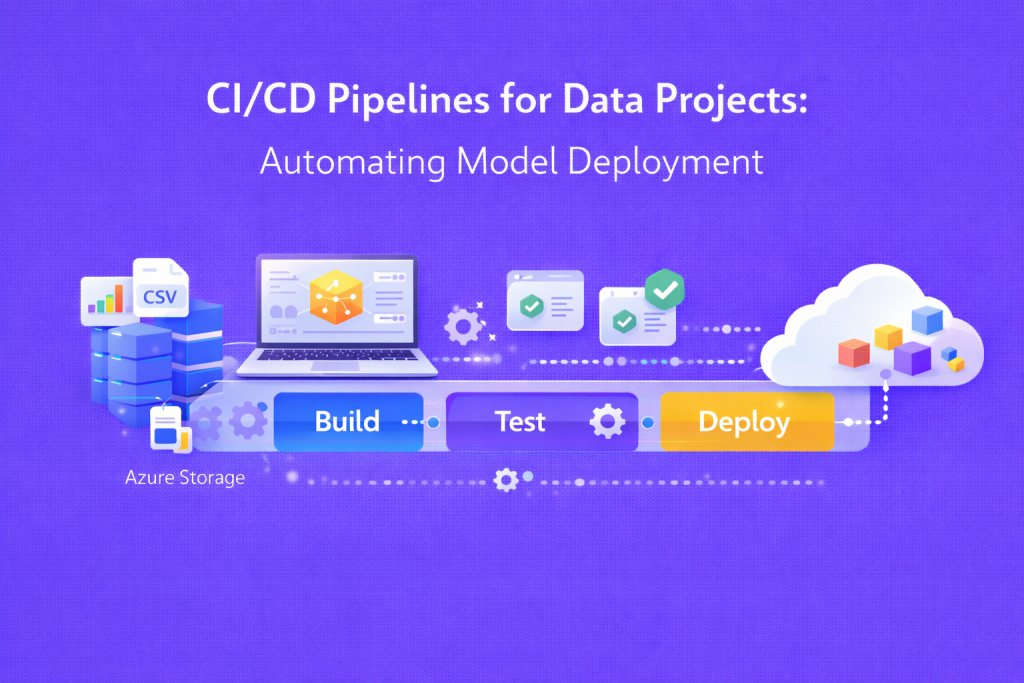
CI/CD pipelines for data projects help teams deploy models faster and more safely. You do not need deep coding skills to grasp the idea. This guide explains CI/CD pipelines for data projects from zero. It uses plain language and real-world examples.
What CI/CD Pipelines for Data Projects Mean
CI means continuous integration. CD means continuous delivery or deployment. Together, they form CI/CD pipelines for data projects. These pipelines automate steps from code change to live use.
Think of it as an assembly line. Each change moves through checks and tests. The system handles repetitive work for you. People focus on ideas and results.
Why Data Projects Need CI/CD Pipelines
Data projects change often. Data updates daily. Models improve over time. Manual work slows teams and causes errors.
CI/CD pipelines for data projects reduce risk. They save time and effort. Teams release updates with confidence. Mistakes show early, not after release.
How CI/CD Pipelines Work for Data Projects
The flow follows simple steps. A data analyst updates code or model logic. The pipeline starts without manual action.
The system checks code quality first. It runs small tests on data and models. If tests pass, the pipeline moves ahead.
Next, the model is built again. It deploys to a test space. After approval, it goes live. All steps are recorded.
Key Parts Inside a Simple CI/CD Pipeline
Each pipeline has clear parts. You do not need to master tools to understand them.
- Source control stores code changes safely.
- The build step prepares the model package.
- Test step checks data and predictions.
- Deploy step pushes the model live.
These steps repeat for every update. The process stays steady and reliable.
Real Example of Automated Model Deployment
Imagine a sales forecast model. The team updates data weekly. Earlier, they deployed models by hand.
Errors happened often. The wrong files went live. Results confused managers. Trust dropped fast.
With CI/CD pipelines for data projects, the flow changed. Each update ran tests first. Bad data failed early.
The system deployed only clean models. Managers saw steady results. The team saved many hours.
Benefits for Freshers and Working Professionals
Freshers gain a clear structure at work. They learn best practices early. Mistakes drop fast.
Working professionals save time daily. They focus on insights, not repeat tasks. Stress levels stay lower.
Teams work better together. Changes stay visible. Rollbacks stay simple and quick.
Common Myths About CI/CD in Data Work
Many think CI/CD fits only software teams. This idea is wrong today. Data teams use it with ease.
Another myth says tools feel complex. In truth, workflows stay simple once set. Learning starts small.
Some fear job loss from automation. Reality shows the opposite. Automation raises skill value.
Learning CI/CD Pipelines the Right Way
You should start with the basics first. Understand data flow and model steps. Then add automation slowly.
Practice matters more than theory. Real projects teach faster. Small wins build strong confidence.
This is where guided learning helps. Clear examples speed progress for beginners.
Where Console Flare Fits Your Learning Path
Many learners seek practical data skills today. consoleflare.com focuses on simple and affordable learning.
Courses explain concepts in Hindi and English. This helps faster understanding for many learners.
Industry trainers share real project methods. You learn job-ready skills with strong return value.
If you want clarity without pressure, this path suits you well.